ASSORT + EPIC
AI Agents for the Patient Journey, Integrated with Epic
Assort answers patient calls, checks appointment availability in Epic, and completes booking, rescheduling, or cancellation using your organization’s rules. Assort integrates bidirectionally with Epic so it remains the system of record.

A personalized walkthrough of how Assort works for your specialty, with real examples from practices like yours. No generic pitch—just answers.
The Right Appointment Depends on More Than an Open Slot
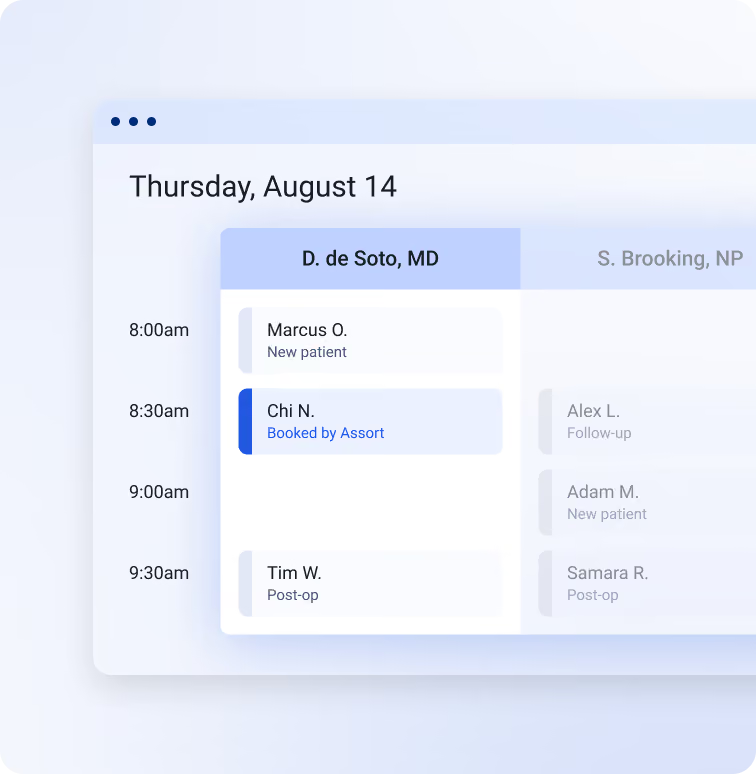
Epic scheduling depends on the organization, department, provider, location, and visit type. Assort uses the scheduling information available in your Epic setup to identify eligible appointments and take the next step. If a request falls outside the configured workflow, staff receive the conversation context to continue.
What Assort Can Do in Epic
Find the Right Patient and Appointment
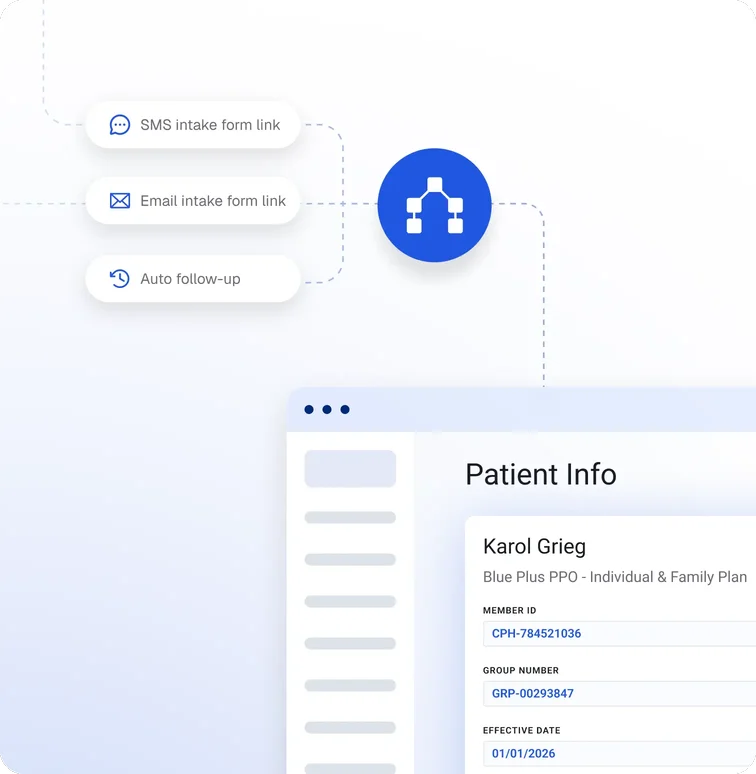
Assort can look up patients, review demographics and appointment history, and search provider schedules and available slots. Coverage information is available when enabled for the customer.
Complete Scheduling Actions
When enabled for the customer’s Epic setup, Assort can create patient records, book, reschedule, or cancel appointments; update patient demographics; and submit patient-provided insurance information.
Handle Requests Outside the Workflow
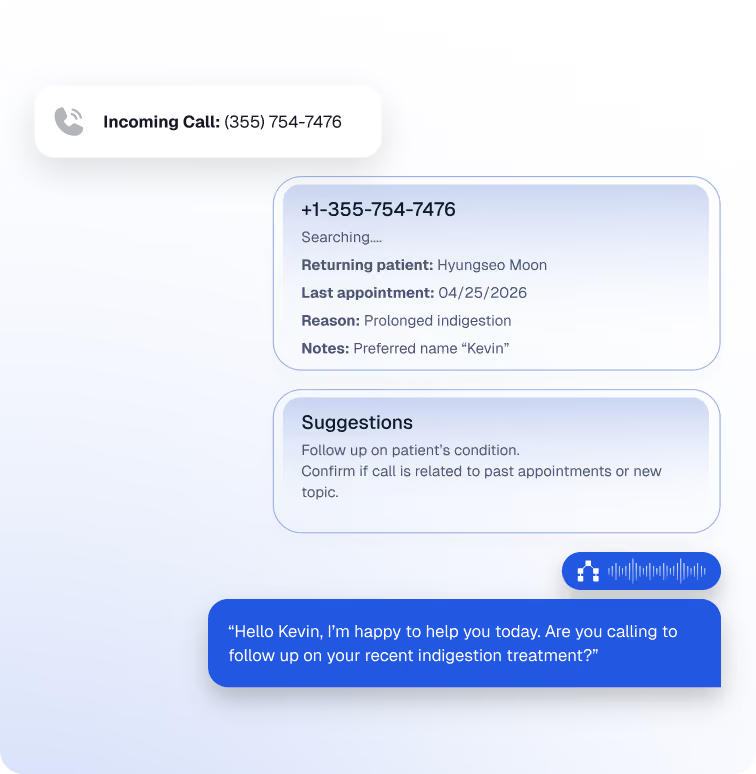
If a request needs staff or falls outside the agreed workflow, the configured transfer path carries the conversation context forward so your team can take the next step.
A Supported Connection to Epic
Assort connects through Epic Vendor Services using FHIR R4 and approved Epic web services. The customer provisions a dedicated background user and controls which data and actions are available through application approval, permissions, and department scope.
Assort’s workflow and backend validate each request and use Epic’s response to determine what happens next. A scheduling action is confirmed only after Epic confirms the transaction. HL7 event flows are scoped separately when a workflow needs them.
Set Up for Your Epic Configuration
Each Epic environment has its own scheduling rules. Before launch, the teams agree on the workflows, departments, providers, locations, visit types, required permissions, and exception paths.
Open or Direct Scheduling must be configured for the in-scope workflows. For booking, rescheduling, or cancellation, patients must also be able to perform the corresponding action in MyChart for those same appointment types. Epic API access fees may apply depending on the customer and scope.
how it works
From Workflow Design to Launch

Choose the First Workflow
Select the patient journeys and appointment actions to include, then define the departments, providers, visit types, and exceptions in scope.

Enable the Connection
The customer’s Epic team approves the registered Assort application, provisions the background user, and sets its permissions and department access.

Test the Full Journey
The teams validate scheduling rules, patient handoffs, and write confirmations in a representative non-production environment.

Launch and Extend
Start with the approved scope, monitor the workflow, and add use cases after the configuration and testing support them.
Frequently Asked Questions
Which Epic workflows can Assort support?
Supported workflows include patient lookup, demographic and appointment reads, open-slot search, and enabled appointment booking, rescheduling, cancellation, patient creation, demographic updates, and insurance submission. Availability depends on the Epic app version and the customer’s configuration and permissions.
Can Assort write to Epic?
Yes. For supported and enabled actions, Assort sends the transaction through an approved Epic interface and confirms completion only after Epic returns a successful response.
What does our Epic team need to configure?
The customer typically approves Assort’s registered application through Epic Vendor Services, provisions and scopes a dedicated background user, and provides a representative non-production environment. Scheduling also requires Open or Direct Scheduling for the in-scope visit types.
Does Assort use FHIR?
Assort uses FHIR R4 and approved Epic web services. The interface depends on the workflow and the capability enabled in the customer’s Epic environment.
Is Assort listed in the Epic Showroom?
Yes. Assort’s Epic Vendor Services app is listed in the Epic Showroom.
Does Assort replace our contact center?
No. Your contact-center platform continues to manage the phone number, IVR, and call routing. Assort handles the patient conversation and supported workflow actions while Epic remains the system of record.
Are there Epic API fees?
Some customers may have separate Epic API access fees. Costs depend on the customer and access scope.